
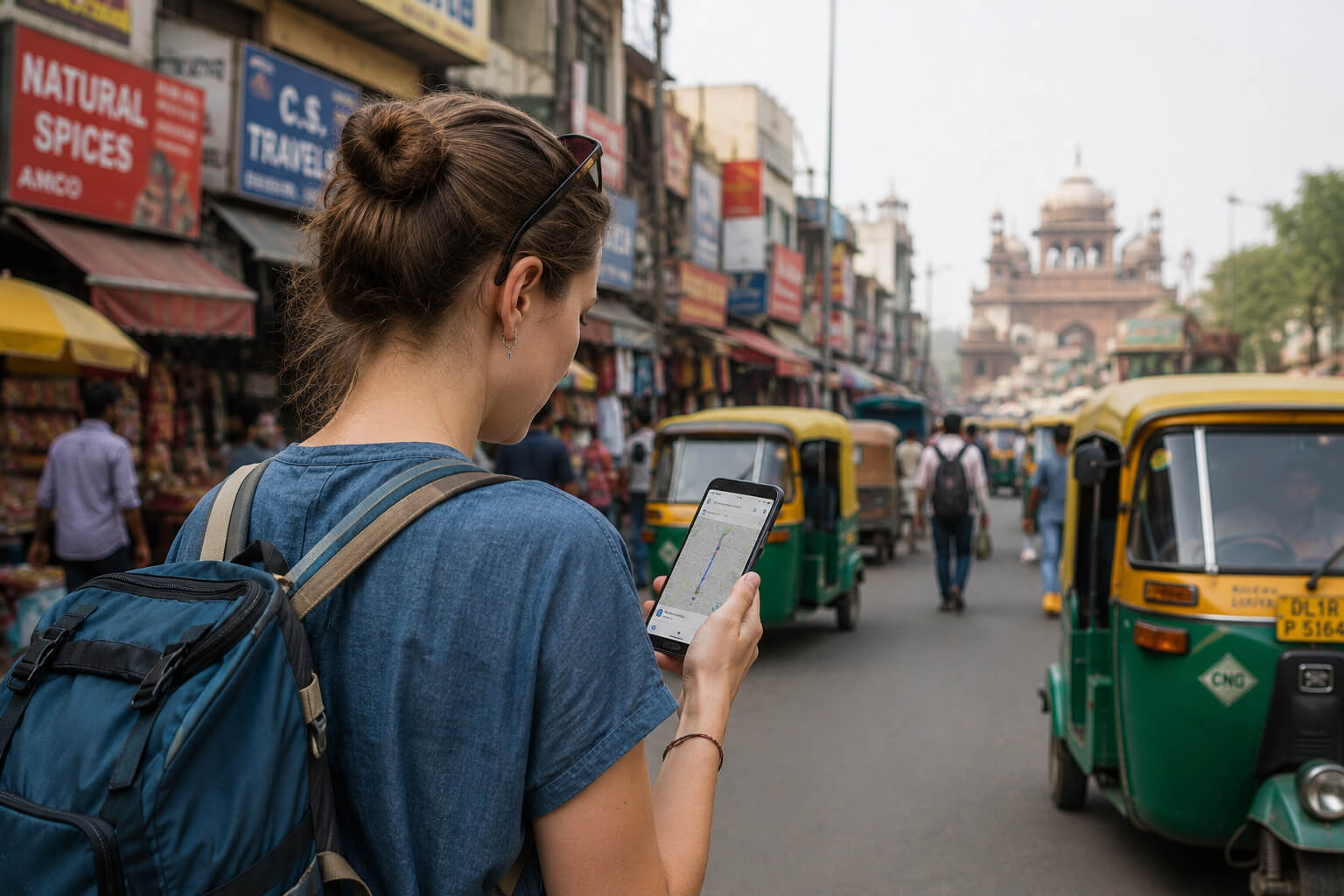









A decade ago, a traveler in India needed a guidebook, a paper map, and a phrase sheet.
Today, your smartphone does all of that and more: navigation, train bookings, hotel reservations, ride-hailing, food delivery, payments, translation, and communication with everyone back home.
That shift makes your phone one of the most important things you are carrying. Lose it or have it compromised and you lose your maps, your bookings, your banking access, and your ability to communicate simultaneously.
Protecting it deserves the same attention you give your passport. This is why digital safety in India for tourists has become an important part of modern travel.
The good news is that digital travel in India is remarkably convenient. From QR code payments and ride-hailing apps to online train bookings and navigation, your smartphone can handle almost every part of your trip.
You can pay at street food stalls with QR codes, book train tickets online, and use ride-hailing apps across most major cities.
India’s digital infrastructure makes everyday travel surprisingly easy. A few simple digital safety habits are usually enough to avoid the problems that catch first-time visitors off guard.
Why Digital Safety in India Matters for Travelers
Over the past decade, India has undergone one of the world’s fastest digital transformations, making smartphones central to everyday life and travel.
UPI (Unified Payments Interface) handles billions of transactions every month. QR codes appear on street food carts, auto-rickshaws, pharmacies, and temple donation boxes.
For many urban Indians, smartphones are used daily for payments, transport, shopping, and communication. For tourists, this creates a genuinely convenient travel environment.
You can pay for almost anything digitally in a city. Apps cover most logistics. The language barrier is reduced by translation tools. Getting around is manageable with Maps and ride-hailing.
That convenience also makes good digital security habits more important than many travelers expect. That also means travelers should be careful with their phones, banking credentials, and online accounts.
Like any country with a mature digital economy, India also has digital scams and fraud that target careless users. Not more dangerous than other major travel destinations, but worth being intentional about.
Before You Travel: Secure Your Devices
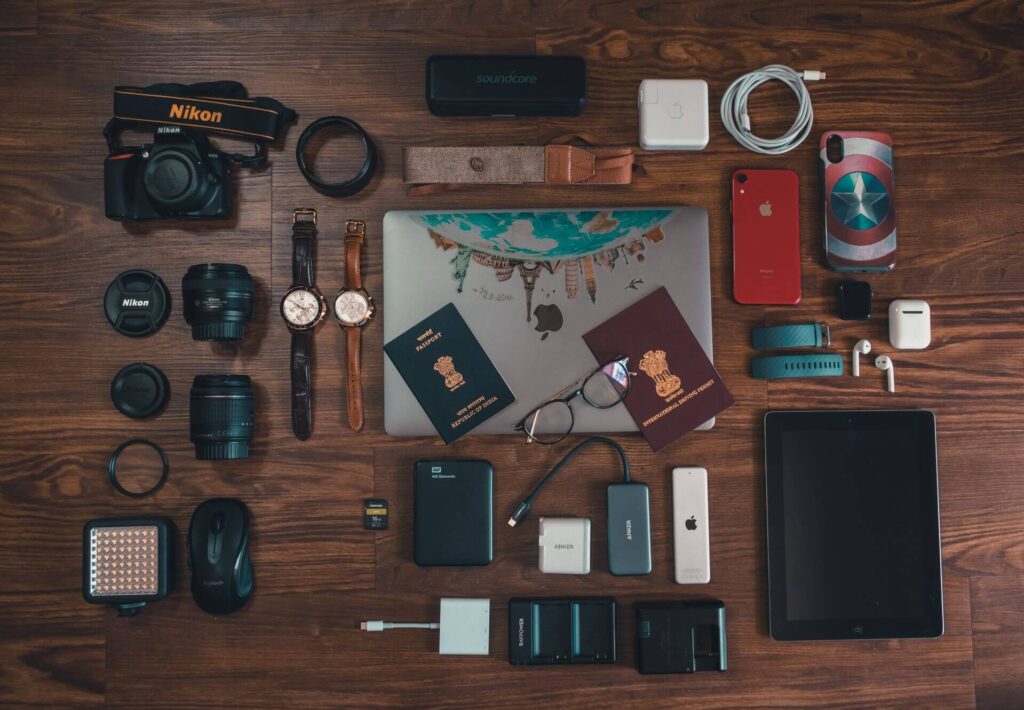
The best time to set up digital protection is before you leave home, not after something goes wrong.
Update your operating system and apps. Security patches close vulnerabilities that older versions leave open. Do this before departure, not on airport WiFi.
Enable automatic cloud backup. iCloud for iPhone, Google Photos and Google Drive for Android. If your phone is lost or stolen, your photos, contacts, and documents should already be in the cloud before it happens.
Turn on Find My Device. Find My iPhone on Apple devices, Find My Device on Android. These allow you to track, lock, and remotely wipe your phone from any browser. Enable them before you travel and confirm they are working.
Set a strong screen lock. A six-digit PIN minimum, or biometric (Face ID or fingerprint). This is your first line of defense if someone physically takes your phone.
Set up emergency contacts on your lock screen. Both iPhone (Medical ID) and Android allow emergency contact information to display without unlocking the phone. Add your travel insurance number and a contact at home.
Install a password manager. Remembering unique strong passwords for every account while traveling is not realistic. A password manager like 1Password or Bitwarden stores them securely and works across devices.
Download offline maps. Google Maps allows you to download offline map packs for specific regions. Do this on WiFi before departure.
Offline maps show your GPS location and downloaded roads without any data connection, which matters when you are in an area with poor signal or when your data runs out.
Remove apps you won’t need during your trip. Fewer apps mean fewer security risks, less background battery usage, and a cleaner phone.
Protecting Your Phone While Exploring India
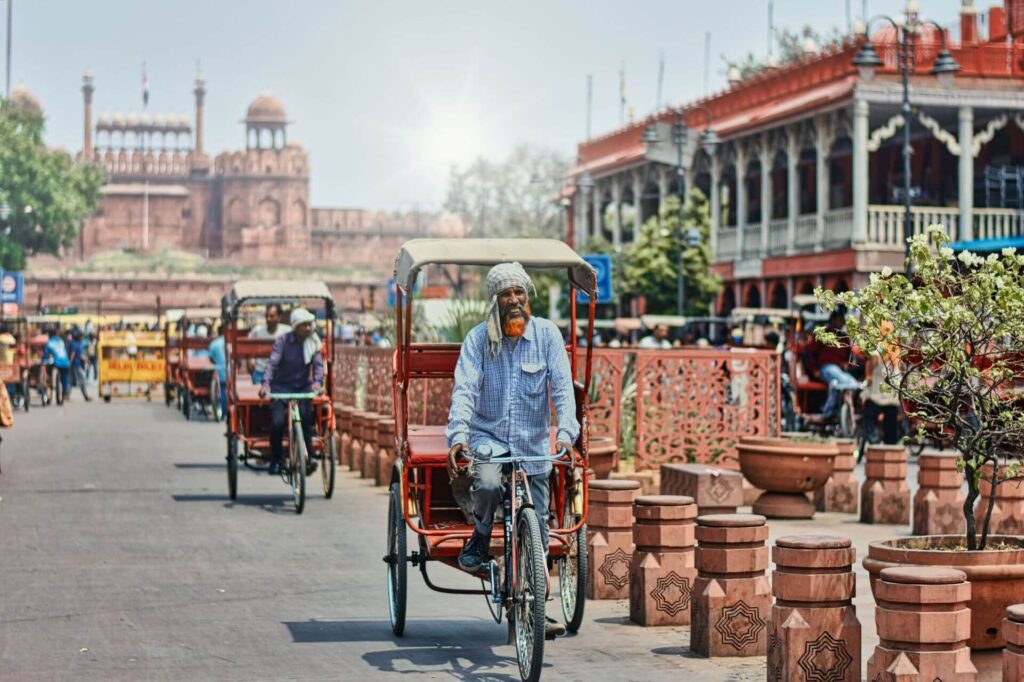
Physical phone security is as important as digital security. India’s markets, railway stations, and crowded tourist sites are environments where phones go missing, sometimes through pickpocketing and sometimes simply through distraction.
Travelers most often lose phones in crowded markets like Chandni Chowk, busy railway stations, metro systems, temple queues, and unattended beach areas in Goa.
Carrying your phone: Keep it in a zipped front pocket or a zipped compartment of a bag that stays in front of you in crowds. Phone pockets on the back of trousers are accessible to anyone behind you in a dense crowd. Back pockets are high risk in any busy environment.
Using your phone in public: The moment of highest risk is when you are looking at your screen and not at your surroundings. Use your phone, check your map, then put it away before moving through a crowd.
Many phone snatching incidents happen when travelers are focused on taking photos rather than their surroundings.
During festivals and large events: Holi, Diwali celebrations, and major religious gatherings create extremely dense crowds. Leave your primary phone at the hotel and carry an older or backup device if possible.
If not, keep it in a zipped interior pocket and access it only when stationary.
Protective cases and straps: A wrist strap or a case with a loop significantly reduces the chance of a phone being grabbed successfully. Inconvenient, but useful in high-traffic tourist environments.
Is Public WiFi Safe in India?

Public WiFi in India is widely available and widely used. Hotels, airports, cafés, railway stations, and shopping malls all offer it. The question is not whether to use it but what to use it for.
Password-protected hotel WiFi is usually the safest public network most travelers will use. Because it is managed by the property, it is generally less risky than open public hotspots.
Use it for general browsing, streaming, and non-sensitive tasks without significant concern.
Airport WiFi at major Indian airports (Delhi, Mumbai, Bengaluru, Hyderabad, Chennai) is reasonably reliable. Suitable for browsing, messaging, and light activity. Avoid banking or entering sensitive credentials on airport networks.
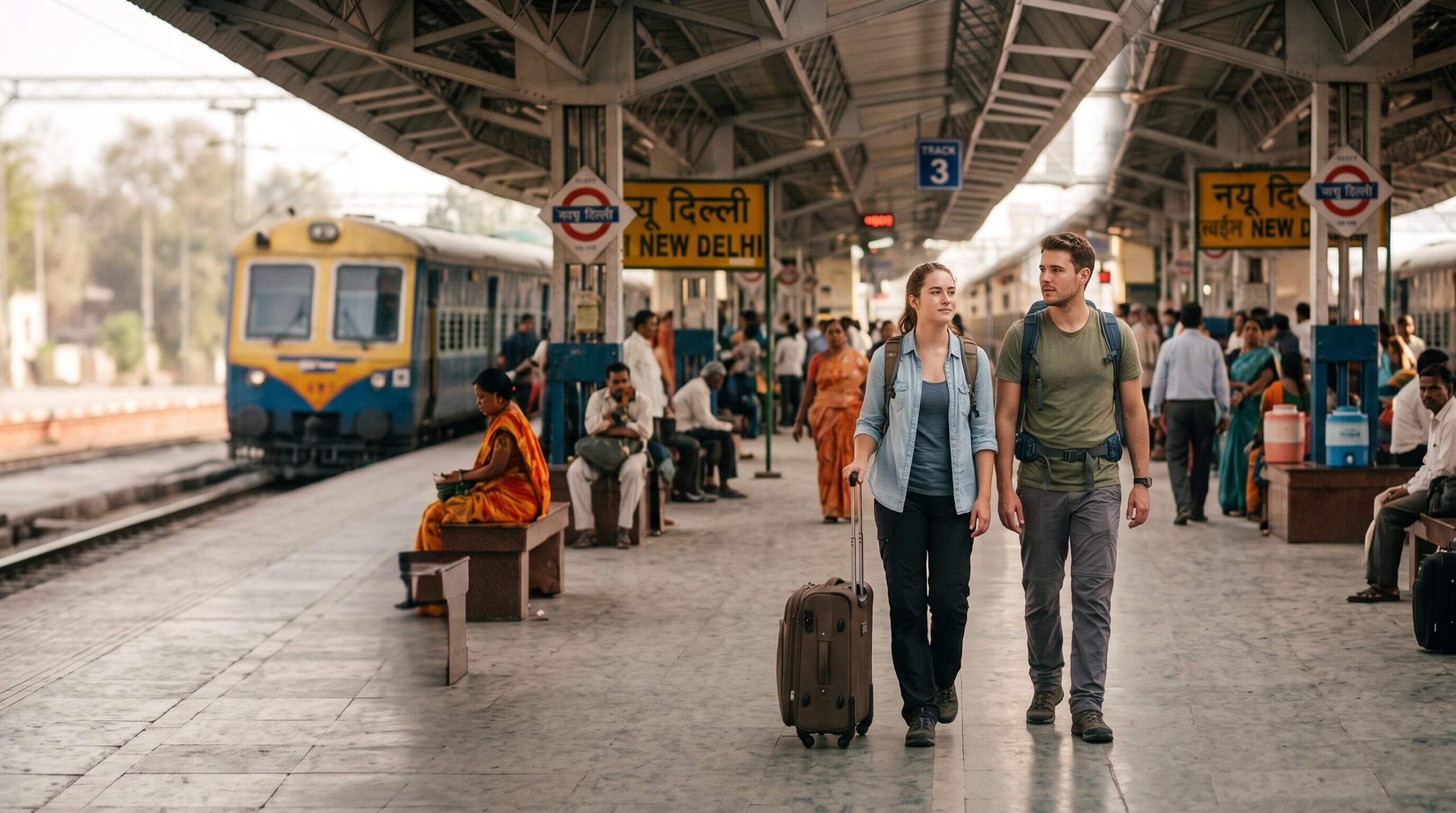
Railway station WiFi is available at major stations through RailWire, the Indian Railways public WiFi network. Connection speeds vary. Use it for maps and communication, not for financial transactions.
Café WiFi ranges from reliable at established chains to inconsistent at smaller local places. Treat it like any public network: fine for general use, not appropriate for banking.
The main risk with public WiFi: open or poorly secured networks can be monitored by others on the same network, or spoofed entirely (a fake network with a convincing name).
Someone on the same open WiFi network as you can potentially see unencrypted traffic. Banking apps, payment confirmations, and anything requiring you to enter passwords are better done on mobile data.
The practical rule: use public WiFi for browsing, navigation, and messaging. Use mobile data for banking, payments, and anything requiring your credentials.
Mobile Data vs Public WiFi
Factor | Mobile Data | Public WiFi |
Security | More secure for banking and logins | Varies depending on the network |
Best For | Banking, online payments, account logins | Browsing, messaging, streaming |
Speed | Generally reliable in cities | Can vary by location and network |
Cost | Low with a local SIM or eSIM | Usually free |
Recommendation | Best choice for sensitive tasks | Fine for everyday browsing |
India offers some of the world’s most affordable mobile data, making a local SIM card or eSIM one of the easiest ways to stay securely connected.
A local SIM card with a generous data plan costs a fraction of what equivalent data costs in Western countries. Many travelers find this is the easiest way to stay connected throughout a multi-city India trip.
For information on getting connected, the guide on how to get a SIM card in India covers the options for tourists including eSIM setup.
Safe Online Payments in India

India’s digital payment ecosystem is fast and convenient, but every payment should include one quick verification before you confirm it.
Credit and debit cards work at hotels, established restaurants, malls, and organized services. Most card transactions require OTP (one-time password) verification sent to your registered mobile number, which adds a security layer.
The risk is using cards on unreliable card terminals or at low-trust vendors. Stick to established businesses for card payments.
UPI for tourists is increasingly available for visitors from certain countries through international versions of apps like PhonePe and Google Pay.
When it works, it is fast and convenient. UPI is designed with multiple security checks, but travelers should still verify the recipient before confirming any payment.
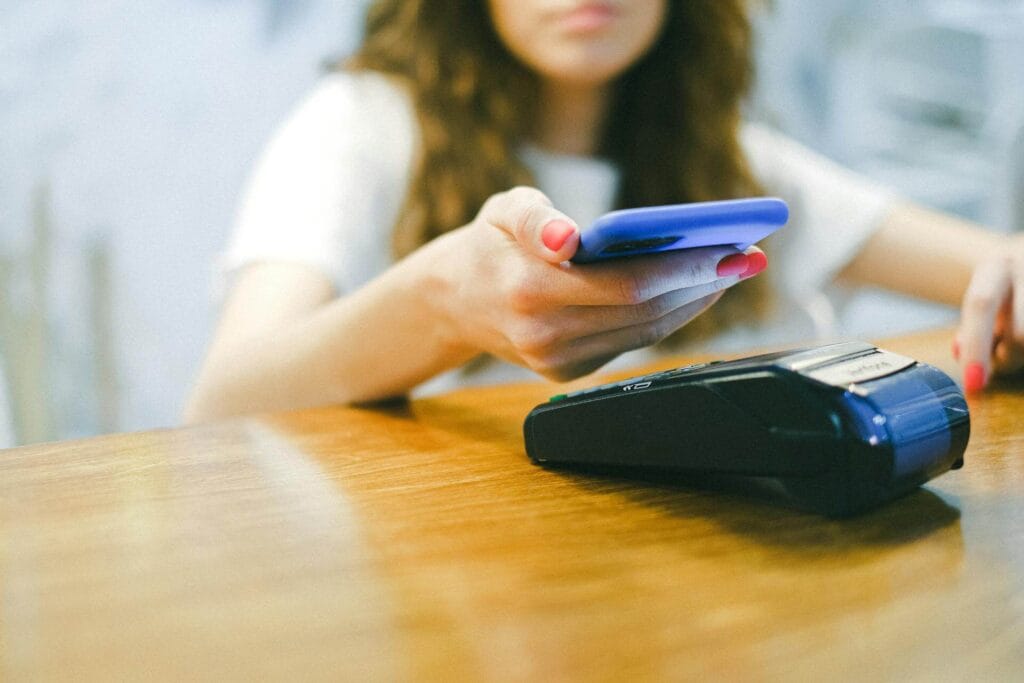
Contactless payments via Apple Pay and Google Pay work at terminals that accept NFC payments, increasingly common in urban India.
These are among the safest payment methods because they use tokenization rather than transmitting your actual card number.
General payment habits: Turn on transaction notifications on your banking app so you see every charge immediately. Check the amount on any card terminal before entering your PIN.
Save receipts for any transaction above a few hundred rupees. For a full breakdown of payment methods and what works where, the India travel money guide covers cash versus card versus UPI in practical detail.
Understanding QR Code Scams
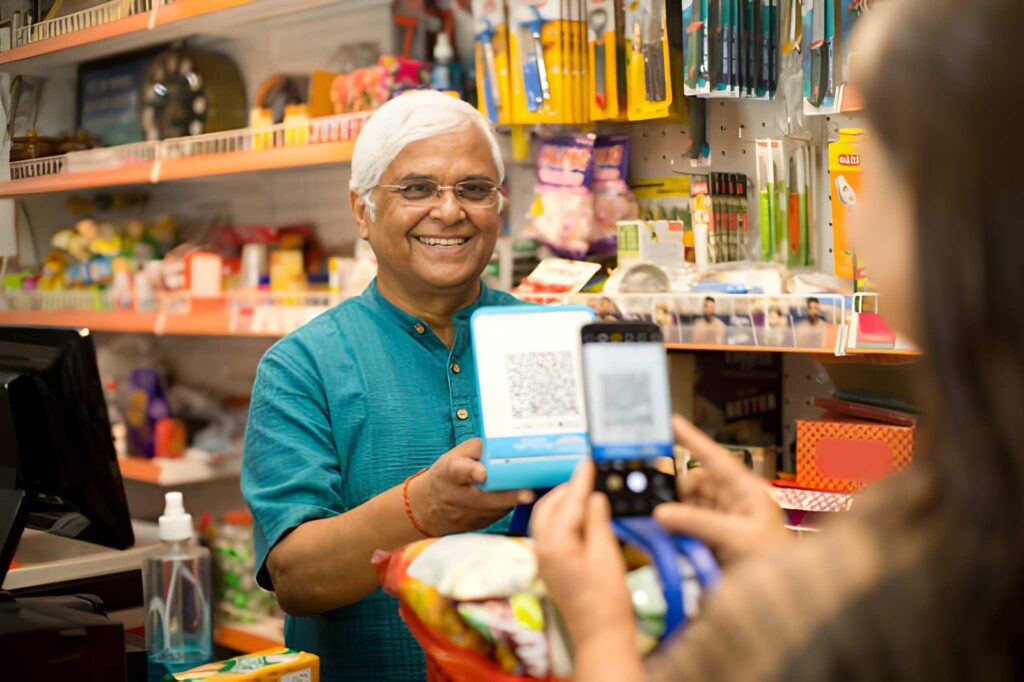
QR code payments are everywhere in India. The system is fast, convenient, and used by businesses of every size. It is also the environment where one specific fraud technique operates.
How it works: A fraudster places a fake QR code sticker over a legitimate merchant’s QR code, or creates a QR code that directs payment to their own account rather than the merchant’s.
The payment goes through successfully, the merchant receives nothing, and you have paid the wrong person.
One quick check prevents most QR code payment scams: before confirming any QR payment, check the merchant name that appears on your payment screen after scanning.
It should match the name of the business or person you intend to pay. If it shows an unfamiliar individual name at a business, scan their QR code again or ask the merchant to show you their registered name.
Other QR scam formats:
Fake donation QR codes at temples and tourist sites. Legitimate temple donation systems are usually staffed and official.
Fake parking payment QR codes in tourist areas, where a sticker on a parking sign diverts payment to a personal account.
Fake customer support QR codes where a fraudster posing as a bank or service representative asks you to scan a code that initiates a payment from your account rather than to it.
Legitimate customer support never asks you to scan a QR code to receive help or a refund.
The rule: a QR code should only ask you to send money when you are actively trying to pay for something.
Any QR code that arrives unsolicited, by message, by email, or from someone claiming to be helping you, should be treated with immediate suspicion.
Banking and ATM App Security
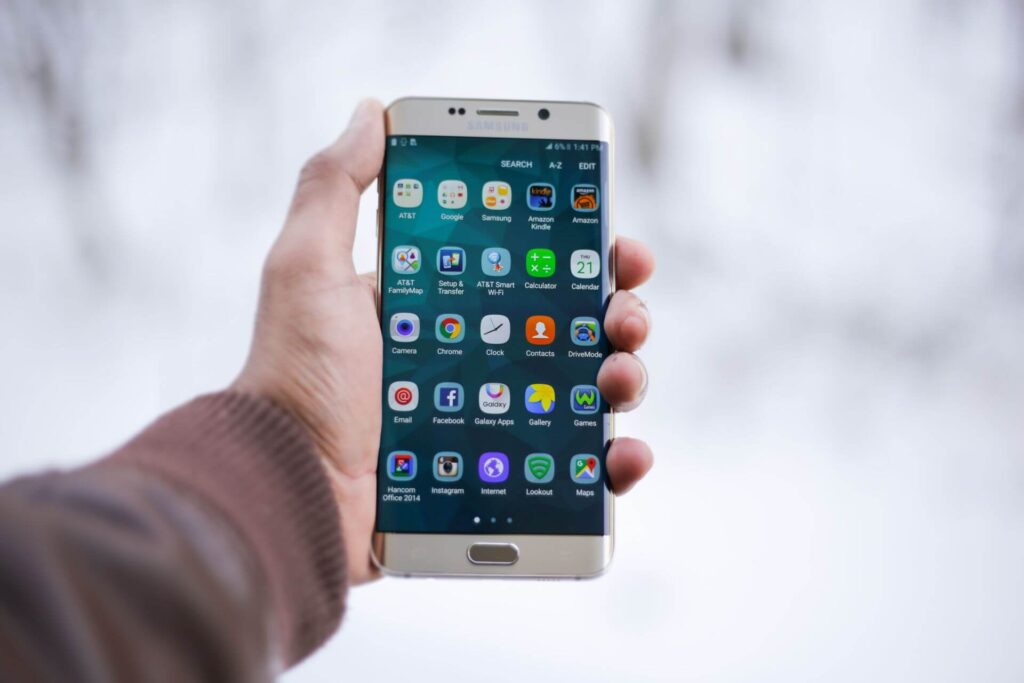
Your banking app is one of the most sensitive things on your phone. A few habits keep it secure throughout your trip.
Enable transaction notifications. Most banking apps allow push notifications for every transaction.
Turn this on before you travel. You will see any unauthorized charge immediately rather than discovering it days later on a statement.
Whenever possible, access your banking app over mobile data instead of public WiFi.
The risk is relatively low but still avoidable, especially when mobile data is inexpensive and widely available.
Protect your OTP. One-time passwords sent by your bank are authentication codes for transactions. They are sent to your registered mobile number.
Never share an OTP with anyone, regardless of who they claim to be. Banks, payment apps, and customer service representatives never need your OTP. If someone asks for one, the call or message is fraudulent.
Use biometric authentication on your banking app. Face ID or fingerprint access is faster than a PIN and adds an additional layer beyond the phone’s own screen lock.
For ATM-specific security including which ATMs to use and how to protect your card from skimming, the guide on how to use ATMs in India covers this in full.
Social Media Safety While Traveling
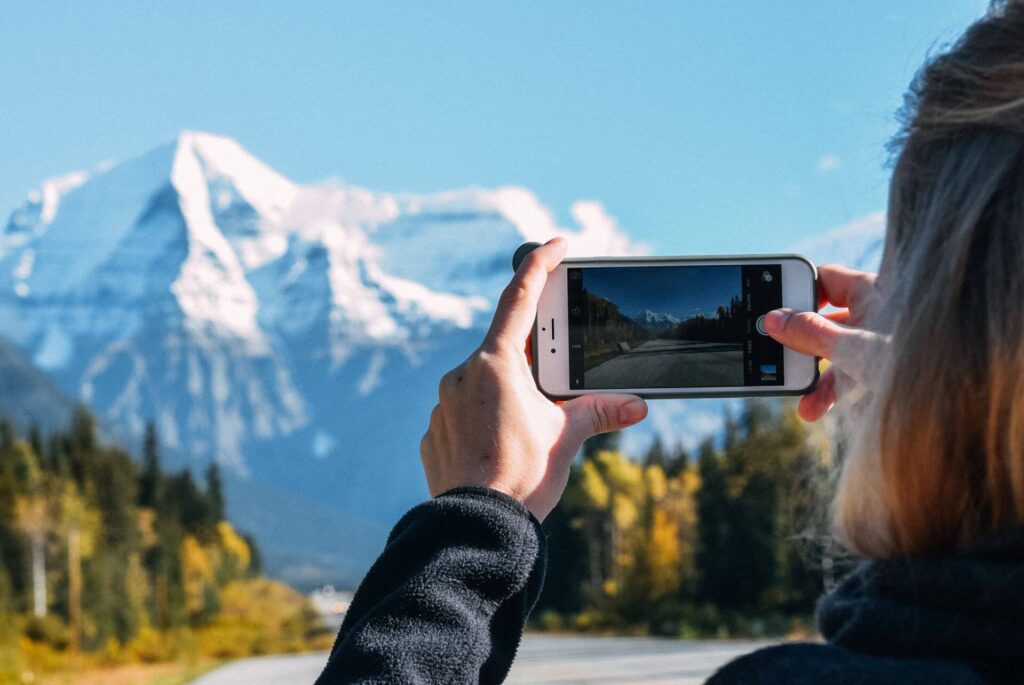
What you post publicly during a trip can create risks you did not intend.
Avoid posting your location in real time. A photo posted from your hotel with location tagging tells anyone watching where you are staying.
A photo from a tourist site confirms you are away from your accommodation. Post locations after you have left them, not while you are there or based there.
Do not share hotel room numbers or accommodation addresses publicly. This applies to stories and posts visible to people beyond your immediate circle.
Never post boarding passes or travel documents. Boarding passes contain barcodes that encode your frequent flyer number, booking reference, and personal information.
A photo of your boarding pass gives anyone with a barcode scanner access to your booking.
Be careful with passport photos. A clear photo of your passport shared publicly exposes your passport number, date of birth, nationality, and signature. Do not share passport images anywhere public.
Avoid sharing your complete travel itinerary publicly. Telling everyone you’ll be away from home for several weeks can reveal more information than you intend. Share detailed plans only with people you trust.
Charging Your Devices Safely
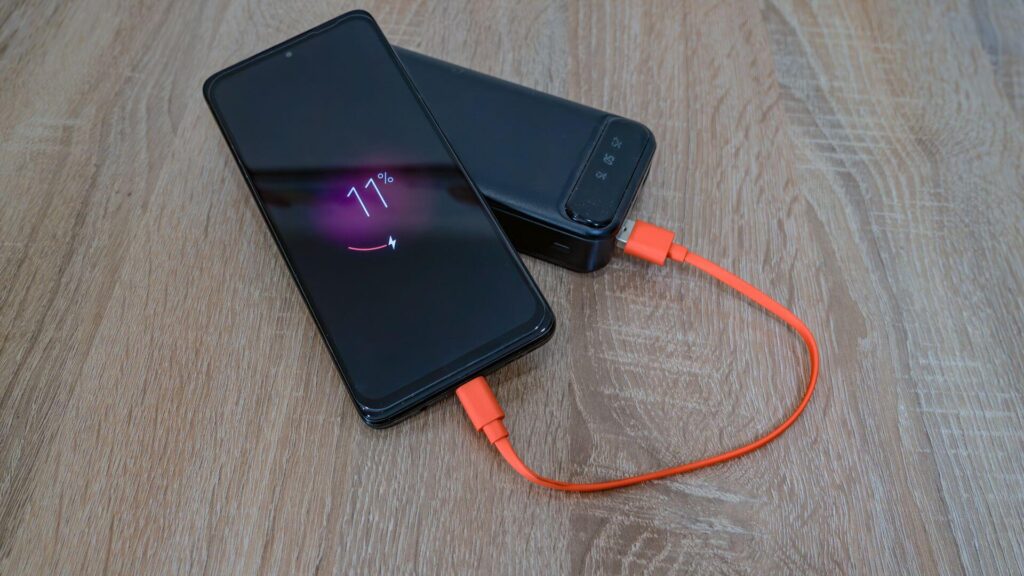
Keeping your phone charged is a daily logistics task in India, where a full day of navigation, photography, translation, and payments can drain a battery by mid-afternoon.
Juice jacking is a documented but relatively rare risk where a modified USB charging port transfers malware to a connected device while charging.
It is most associated with public charging stations at airports, railway stations, and shopping malls.
The practical precautions are simple: carry your own charging cable and plug into a standard power outlet rather than a USB port where possible. If you regularly use public USB charging stations, carry a USB data blocker.
It allows power to pass through while preventing data transfer. Carry a power bank so that charging at public stations is optional rather than necessary.
In India specifically: power outlets use Type C, D, and M plugs. A universal travel adapter covers all of these. Hotel rooms typically have standard outlets accessible from the desk or near the bed. Overnight trains have charging points at most berths in AC coaches.
A power bank of at least 10,000 mAh handles a full phone recharge and covers most full days of use. Carry it charged before leaving your hotel each morning.
Offline Backups Every Tourist Should Have

If your phone is lost, stolen, or runs out of battery, you need access to certain information from memory, from paper, or from another device.
Keep secure digital copies of the following documents in a cloud account that you can access from any browser if your phone is unavailable:
- Passport photo page and visa
- Travel insurance policy number and 24-hour emergency line
- Hotel bookings for each city on your itinerary
- Flight tickets
- Emergency contacts including your embassy’s consular emergency line
- Your bank’s international contact number
Also keep physical backups of the most critical items: a photocopy of your passport photo page separate from your passport, your insurance emergency line on a small card in your wallet, and your hotel address written in both English and the local script for each city.
Offline Google Maps packs for your destinations serve as navigation backup when you have no data connection. Download these before each new leg of your trip, ideally on hotel WiFi the night before you travel.
What to Do If Your Phone Is Lost or Stolen

If your phone is lost or stolen, acting quickly can significantly reduce the risk of unauthorized access. The first 30 minutes are often the most important for securing your accounts and improving the chances of recovering the device.
Step 1: Call the phone. Someone honest may have found it and can arrange to return it.
Step 2: Track it. Log into Find My iPhone (iCloud.com) or Find My Device (google.com/android/find) from any browser. You can see its last known location.
Step 3: Lock it remotely. Through the same service, activate Lost Mode (iPhone) or Lock Device (Android). This displays a message on the screen with a contact number and prevents anyone from accessing the device.
Step 4: Erase if necessary. If the phone appears to be in the hands of someone who intends to keep it, remotely erase all data. You cannot track it after erasing, so do this only when you have decided recovery is unlikely.
Step 5: Block the SIM. Contact your carrier to deactivate the SIM. This prevents unauthorized calls being made on your number and protects against SIM-based authentication being used to access your accounts.
Step 6: Change critical passwords. From another device, change passwords for your email, banking apps, and any account linked to the phone number. Do this before the thief can use any saved credentials.
Step 7: Contact your bank. Notify your bank that your phone is lost in case any banking apps were accessible. They can monitor for unusual activity and freeze accounts if necessary.
Step 8: File a police report. Go to the nearest police station and file an FIR. This is required for travel insurance claims covering phone theft.
Step 9: Contact your travel insurance provider. Phone theft is covered under most comprehensive travel insurance policies. File the claim with your FIR reference number.
Common Digital Scams Tourists Should Know
Scam | How It Works | Warning Sign | How to Stay Safe |
Fake QR codes | Payment goes to a scammer instead of the merchant | Merchant name doesn't match | Verify the merchant name before paying |
Fake WiFi | A fake hotspot steals your information | Unusual login page or no password | Confirm the network name with staff |
OTP scam | Caller asks for your one-time password | Requests your OTP or PIN | Never share OTPs with anyone |
Fake payment screenshot | Claims payment was made | Money isn't reflected in your account | Check your own banking app |
Fake customer support | Asks for QR scans or banking details | They contact you first | Use only official support channels |
SIM swap | Your phone number is transferred to another SIM | Sudden loss of signal | Contact your carrier immediately |
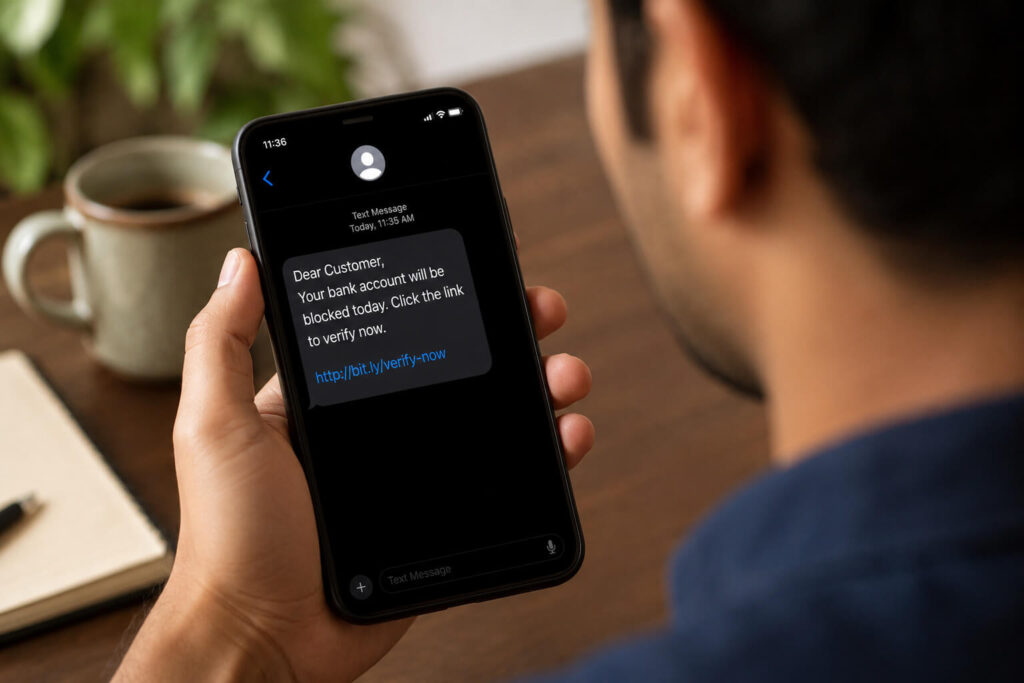
Phishing messages | Fake SMS or WhatsApp links | Urgent language or suspicious links | Don't open unsolicited links |
Digital Safety Checklist Before Leaving Your Hotel
Run through this each morning before heading out:
Before You Leave | Check/ Uncheck [✓] |
Phone charged (70% or more) | ☐ |
Power bank packed and charged | ☐ |
Mobile data working | ☐ |
Offline maps downloaded | ☐ |
Hotel address saved offline | ☐ |
Cloud backups up to date | ☐ |
Banking notifications enabled | ☐ |
Screen lock active | ☐ |
Find My Device enabled | ☐ |
Emergency contacts available | ☐ |
Digital safety in India for tourists isn’t about avoiding technology. It’s about using it wisely.
Your phone will help you navigate, book transport, make payments, translate languages, and stay connected throughout your trip.
A few simple precautions can protect your device and your personal information. Most digital risks are easy to avoid. Use mobile data for banking and other sensitive tasks.
Verify QR code payments before confirming them. Keep your phone updated, back up important documents, and enable security features like Find My Device and screen lock.
India is one of the world’s most digitally connected travel destinations. With the right habits, you can use its digital services confidently and safely.
Follow the tips in this guide, stay aware of common scams, and enjoy your trip with peace of mind.
FAQs about Digital Safety in India for Tourists
Is India safe for using smartphones while traveling?
Yes, India is generally safe for smartphone use. Most travelers use phones for maps, bookings, payments, and communication. Keep your device locked, enable Find My Device, and stay careful in crowded places to reduce the risk of theft.
Is public WiFi safe to use in India?
Public WiFi is usually fine for browsing, messaging, and checking maps. Avoid using public networks for banking, online payments, or entering sensitive passwords. Mobile data through a local SIM card or eSIM is a safer option.
Can tourists use UPI payments in India?
Yes, some international travelers can use UPI through supported payment apps and services. Availability depends on your country and provider. Always check the recipient name before confirming a QR code payment to avoid scams.
Should I buy a local SIM card or use roaming in India?
A local SIM card or eSIM is usually the best option for tourists visiting India. It provides affordable mobile data for maps, bookings, communication, and online services without relying heavily on public WiFi.
What should I do if my phone is lost or stolen in India?
Use Find My Device or Find My iPhone to locate and lock your phone immediately. Then block your SIM card, change important passwords, contact your bank, and file a police report if the phone was stolen.
Are QR code payments safe in India?
Yes, QR code payments are generally safe when used carefully. Before paying, check that the merchant name shown in your payment app matches the person or business you are paying.
Is it safe to use banking apps in India?
Yes, banking apps are safe when used with proper precautions. Use mobile data for financial transactions, enable biometric login, turn on transaction alerts, and never share your OTP or banking password.
How can I protect my phone from theft while traveling in India?
Keep your phone in a secure pocket or bag, especially in crowded markets, railway stations, and tourist attractions. Avoid holding it loosely while walking and use a strap or protective case if needed.
Do I need a VPN while traveling in India?
A VPN is not required for most travelers, but it can provide extra privacy when using public WiFi. It is useful if you access work accounts, banking services, or other sensitive information on shared networks.
What are the most important digital safety tips for tourists in India?
Use a strong screen lock, keep your phone updated, back up important documents, use mobile data for sensitive tasks, verify QR payments, and avoid sharing OTPs. These simple steps prevent most common digital problems.
Images: Pexels
